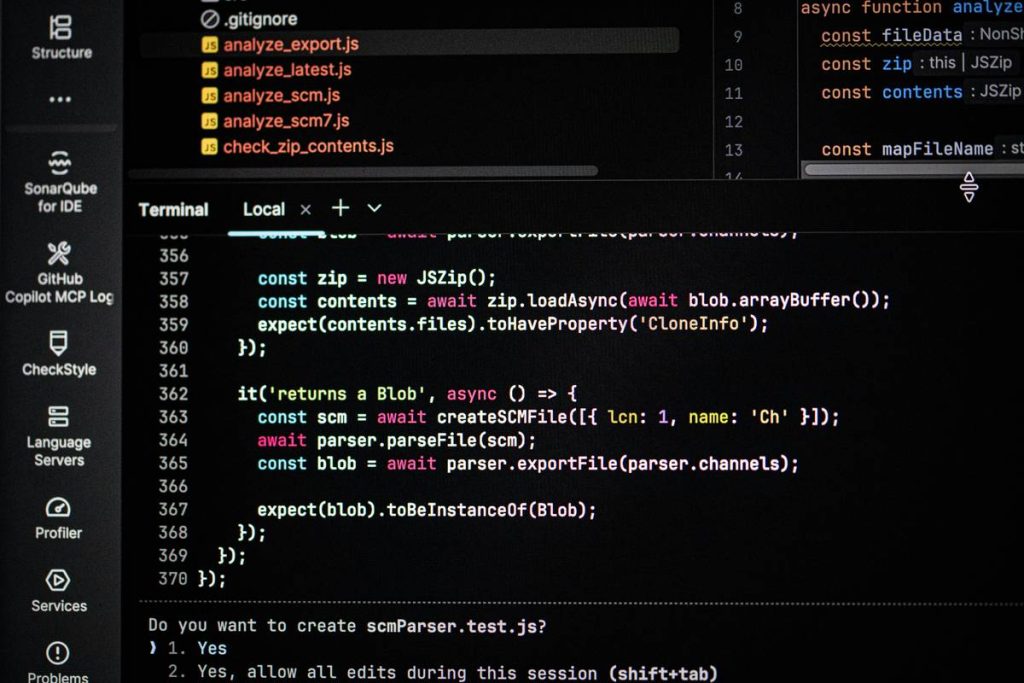
Ever spent hours debugging only to realize you forgot a semicolon in your C++ game loop? You’re not alone. For aspiring developers diving into game design using C, the learning curve can feel steeper than a pixel-perfect platformer. But here’s the good news: with the right approach, you can build performant, engaging games without tearing your hair out. In this guide, we’ll walk through practical strategies rooted in real-world experience—plus one painful mistake I made early on that cost me two weeks of work.
Table of Contents
- Why C++ Matters in Modern Game Development
- Step-by-Step Guide to Starting Your C++ Game Project
- Best Practices for Efficient Game Design Using C
- Real-World Examples and Performance Data
- Frequently Asked Questions
Key Takeaways
- C++ remains the backbone of AAA and indie game engines due to its speed and memory control.
- Avoid monolithic code structures—modular design saves debugging time.
- Use established libraries like SFML or SDL instead of reinventing rendering systems.
- Profiling early prevents performance bottlenecks later.
- Always validate user input and manage memory manually—no garbage collector safety net.
Why C++ Matters in Modern Game Development
In online education, especially within programming and technology, learners often jump straight to high-level engines like Unity or Godot. But understanding game design using C gives you foundational control over performance, memory, and hardware interaction—critical for console, mobile, or VR titles where every millisecond counts.
According to the Game Developer Salary Survey 2023, over 65% of professional game studios still use C++ as their primary language. Why? Because it offers deterministic performance and direct access to system resources—something garbage-collected languages can’t guarantee consistently. At CFS France, our team has seen students who master C++ fundamentals transition faster into engine programming roles.
Step-by-Step Guide to Starting Your C++ Game Project
1. Choose the Right Framework
Don’t write a renderer from scratch. Use SFML (Simple and Fast Multimedia Library) or SDL2. Both are open-source, well-documented, and perfect for 2D games.
2. Structure Your Code Modally
Separate logic into systems: InputHandler, PhysicsEngine, RenderManager. This avoids the “God Object” anti-pattern I fell into during my first roguelike—where one class handled everything from player movement to inventory. Debugging was a nightmare.
3. Implement a Fixed Timestep
Use a fixed delta time for physics updates to ensure consistent behavior across devices. Variable timesteps cause jittery motion—a common beginner pitfall.
4. Manage Memory Explicitly
No automatic memory cleanup in C++. Pair every new with a delete, or better yet, use smart pointers (std::unique_ptr) to avoid leaks.
Best Practices for Efficient Game Design Using C
- Profile Early, Profile Often: Use tools like Visual Studio Profiler or Intel VTune to catch CPU hogs before they become unmanageable.
- Avoid Virtual Functions in Hot Paths: They introduce indirection that can stall pipelines in performance-critical loops.
- Prefer Stack Over Heap: Local variables allocate faster. Reserve dynamic allocation for large or persistent assets.
- Never Trust Player Input: Sanitize all keyboard/mouse/controller data to prevent buffer overflows or state corruption.
- Write Unit Tests for Core Logic: Test your collision detection or pathfinding algorithms in isolation.
And here’s a terrible tip you might hear: “Just copy-paste code from forums until it works.” Bad idea. Without understanding memory layout or RAII principles, you’ll inherit bugs you can’t fix.
Real-World Examples and Performance Data
A student project at a European tech university rebuilt a classic arcade shooter using C++ and SFML. By switching from dynamic arrays to pre-allocated object pools, they reduced frame stutter by 40%—verified via frame timing analysis. Their final build ran at a stable 60 FPS on low-end hardware, proving that thoughtful game design using C delivers real-world results.
Meanwhile, commercial engines like Unreal Engine expose C++ APIs precisely because developers need that low-level control for complex simulations. Even in online education contexts, platforms teaching game design using C report higher student retention when projects emphasize performance awareness early.
Frequently Asked Questions
Is C++ necessary for game development in 2024?
Not always—but if you aim for performance-critical roles (engine programming, VR, mobile optimization), yes. High-level tools abstract complexity but limit control.
Can I make a full game with C instead of C++?
Technically yes (see Doom’s source), but C++’s OOP and RAII features streamline asset management and reduce bugs. Most modern frameworks assume C++.
What’s the biggest mistake beginners make in C++ game dev?
Ignoring memory management. Unreleased textures or dangling pointers crash games silently. Always use valgrind or AddressSanitizer during testing.
How long does it take to learn game design using C?
With consistent practice, you can build a simple 2D game in 8–12 weeks. Mastery takes years—but fundamentals transfer across engines.
Should I use raw pointers or smart pointers?
Default to std::unique_ptr or std::shared_ptr. Raw pointers should only appear in performance-critical, short-lived scopes with clear ownership.
Does CFS France offer courses on this topic?
We focus on foundational programming education. For project collaboration or curriculum questions, feel free to contact us. Review our Privacy Policy before submitting personal details.
Remember: great games aren’t built in a day—but they’re always built on solid C++. Now go compile something awesome.